Hello! this template has everything you need to register your practice sessions and monitor it.
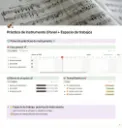
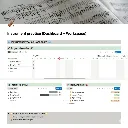
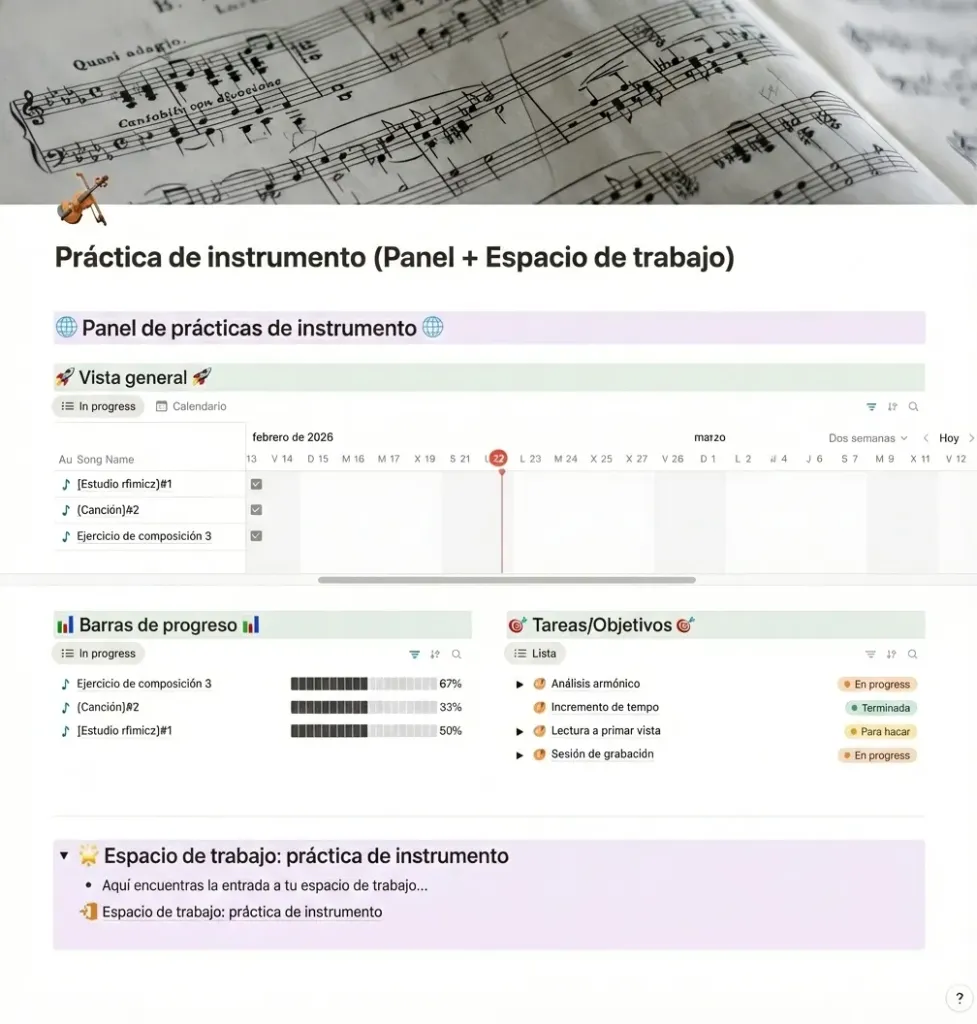
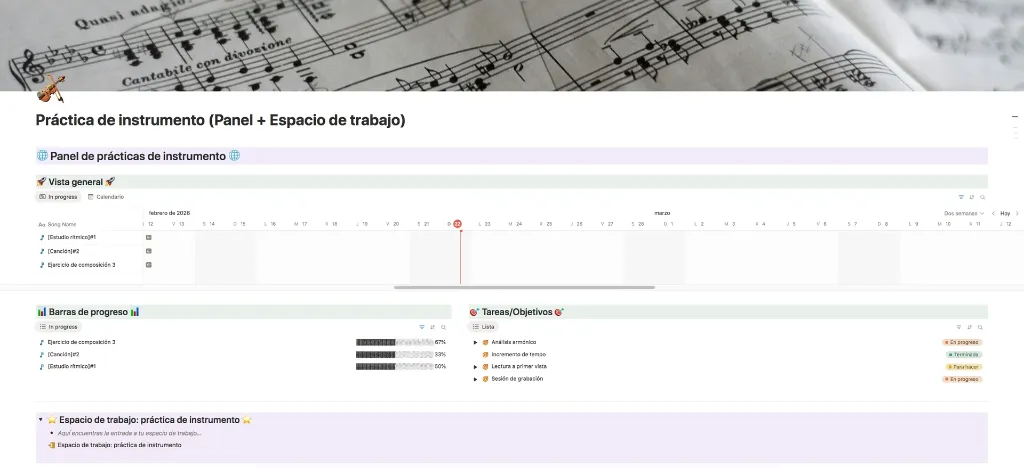
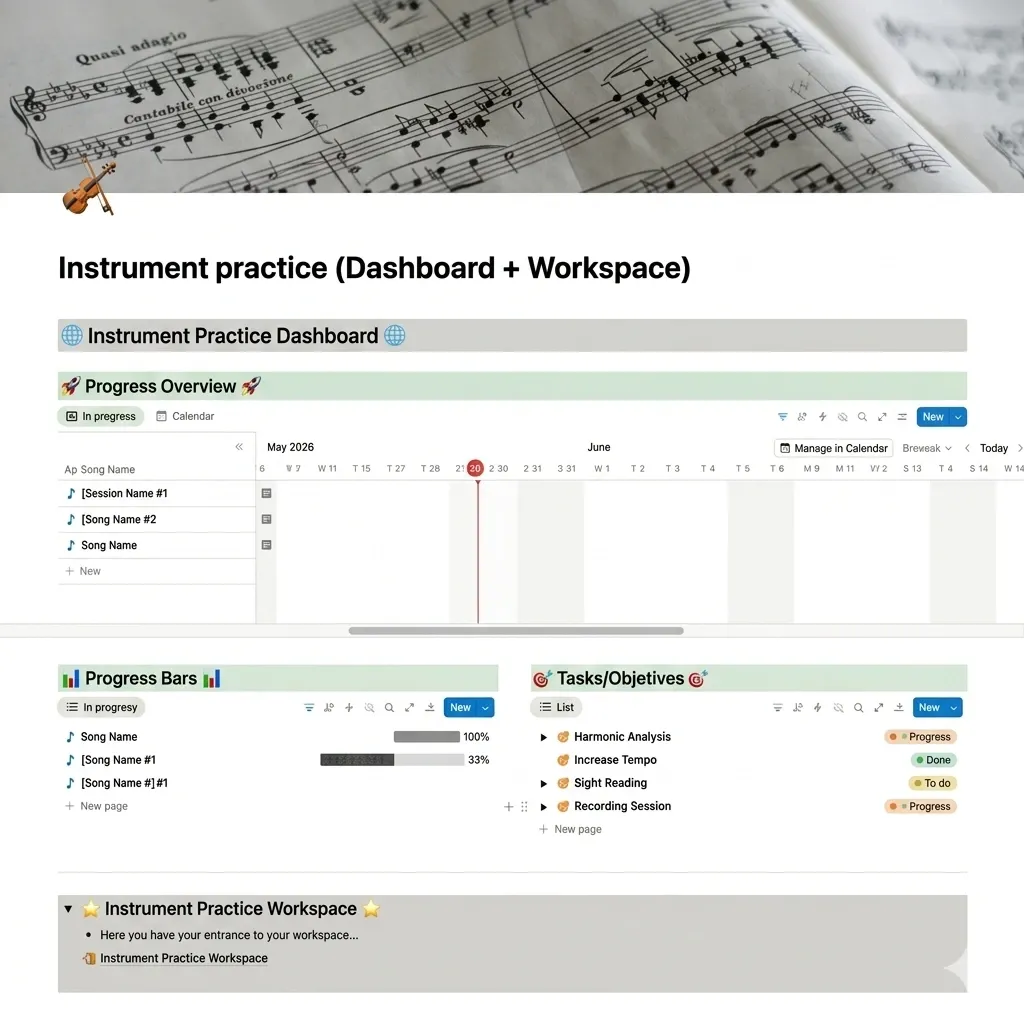
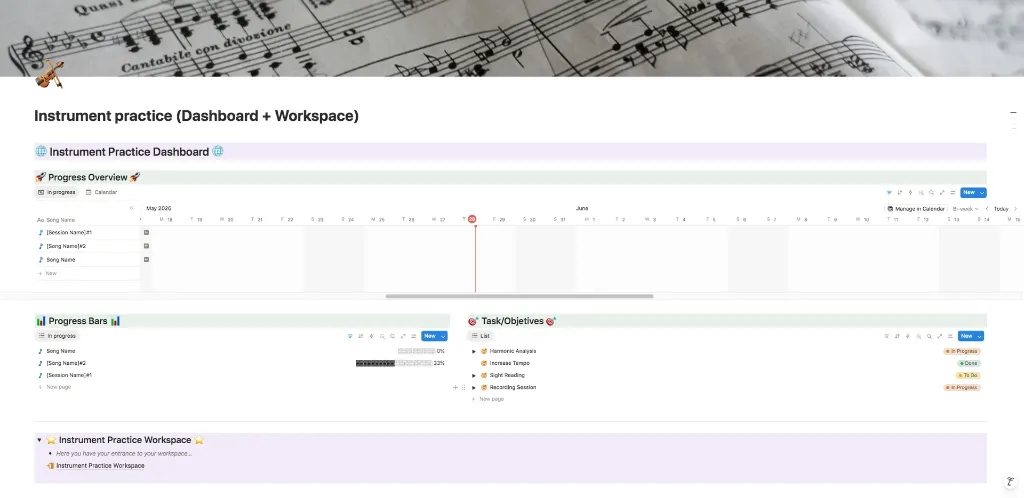
- First you will find the dashboard page where you can see how your progress is being made. It has three parts:
- "Progress Overview" that gives you a timeline view with the progress of the song or the practice session you are currently working on.
- "Progress Bars" where you can see a simplify version of the timeline with just de progression of the song or session.
- "Tasks/Objetives" where you can see list of the thing you need to work on in your next practice session.
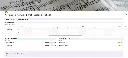
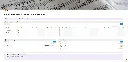
Second, bellow of the dashboard you will see the "entrance" to the workspace. In this new page is where you feed all the information of the dashboard.
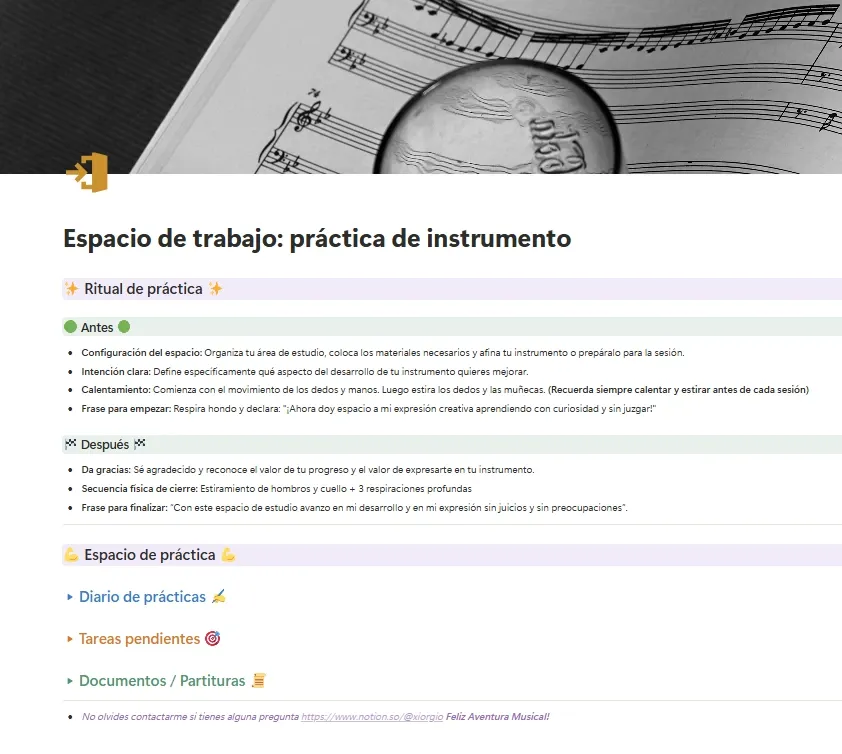
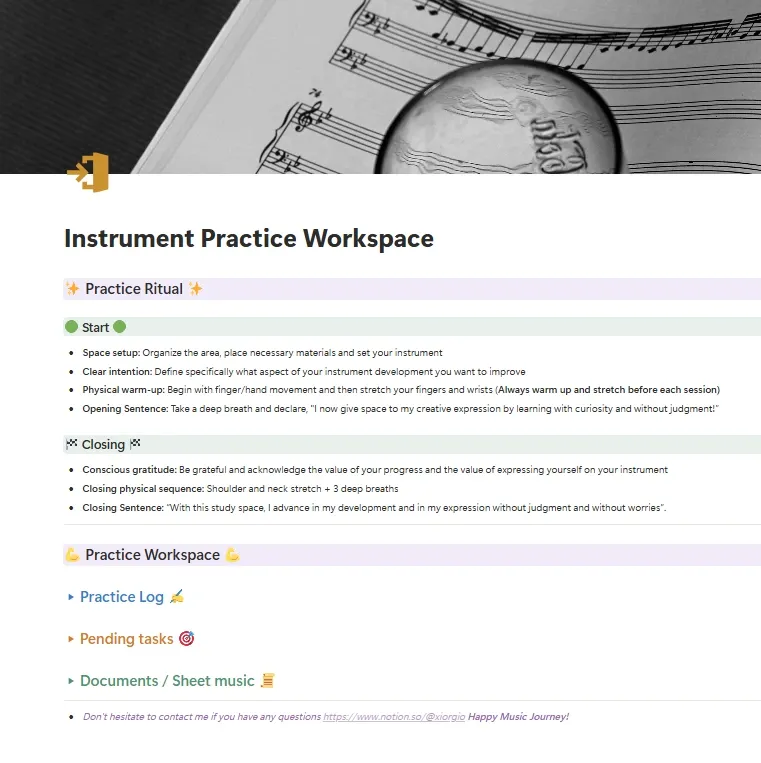
- The very first thing you will see is a propose of a practice ritual to help you enter the appropriate mindset to achieve the best results.
- subsequently the practice workspace where you can begin your practice by clicking the button "New Practice Session" and this will create a page on the instrument practice log database with content for your sessions such as: objetives, charts to register advances in tempo and measures, achievements, tasks and documents.
- the pending tasks toggle has inside the main database for tasks and objetives and here you can relate whatever task you need to develop with the sessions or songs created in the instrument practice log. The number of this tasks related to a specific practice session gives the progression bar you saw at the dashboard page and when you check the "completed" box it will advance the progression bar.
- Finally you will encounter the "Documents / Sheet music" where you can place your sheet music or any important information. I leave you some tips of how to practice new material, some session parameters and tips on increasing speed that I hope can help you.
Happy practices!🧡 -
*You must have a Notion account to be able to duplicate this template in your Notion workspace.
*To access the link to your template where you can duplicate it to your Notion workspace you must: 1. Register - 2. Make the purchase - 3. Go to "My Account" and then "Your Orders" Choose the sale order of the purchase you just made and you will see "Link to Notion" option to get your template.
For more templates made in Notion you can see them here https://www.notion.com/@xiorgio